

.webp)







Info
Overview
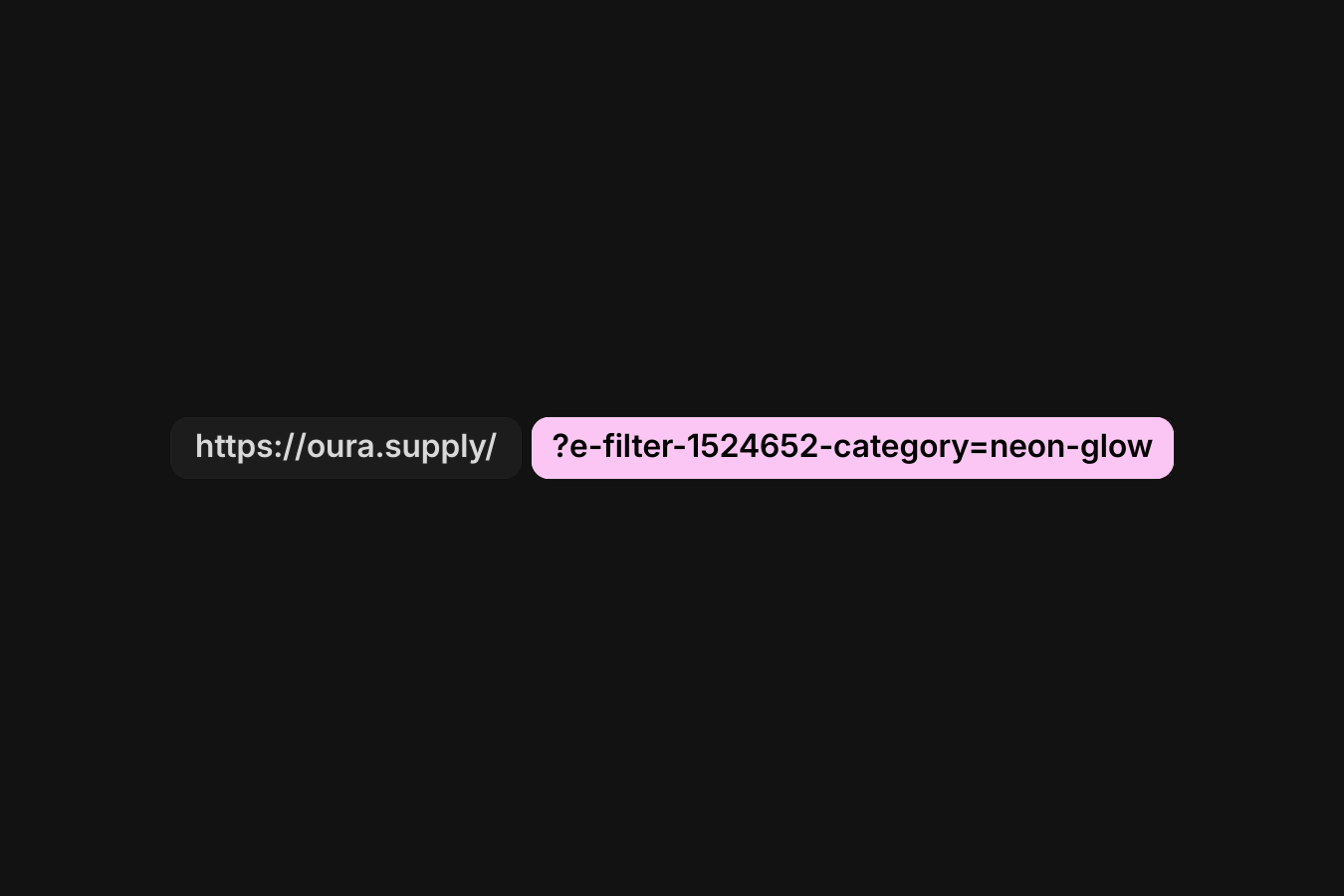
Elementor adds e-filter-<filter-slug> parameters to the URL when taxonomy filters are used. This code prevents that without affecting how the filters work.
Setup
Copy & paste the scripts before the </body> tag of your project. If you added them before for another setup, skip this step.
Right-click in Elementor, choose “Paste from another site,” and while the popup is open, press cmd/ctrl + v to insert the layout.
Place the code in an HTML widget or add it through Elementor → Custom Code (before the closing </body> tag) either globally or only on selected pages.
Paste the code through the page or site settings, or add it via Elementor → Custom Code (before </body>) for broader use.
Paste the script through Elementor → Custom Code (set to load after </body>) for site-wide or page-specific loading.
(() => {
  document.addEventListener("DOMContentLoaded", () => {
    document.addEventListener("click", event => {
      const button = event.target.closest(".e-filter-item");
      if (!button) return;

      const filter = button.closest(".e-filter");
      if (!filter) return;

      const url = new URL(window.location.href);
      const params = url.searchParams;
      let changed = false;

      Array.from(params.keys()).forEach(key => {
        if (key.startsWith("e-filter-")) {
          params.delete(key);
          changed = true;
        }
      });

      const cleanUrl = changed ? url.toString() : window.location.href;

      filter.dataset.baseUrl = cleanUrl;

      if (changed) {
        setTimeout(() => {
          history.replaceState({}, "", cleanUrl);
        }, 0);
      }
    });
  });
})();Place the PHP snippet inside your theme’s functions.php or using any code snippet to enable logic.