
Details
Overview
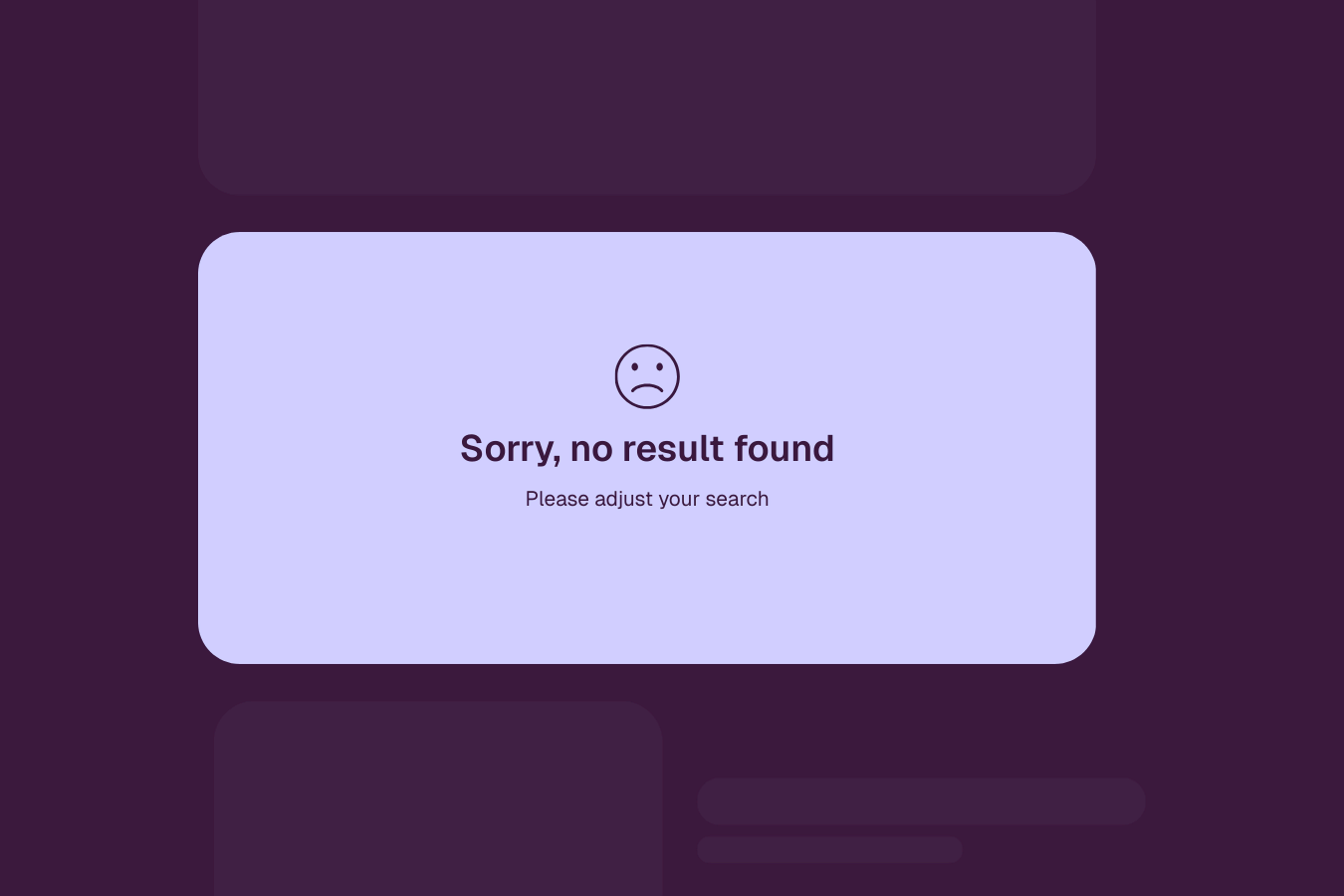
Elementor doesn’t give you much control over how a Loop widget behaves when no posts are found. By default, it simply shows the basic “nothing found” message, leaving little room to customize the experience.
This snippet solves that by checking whether the loop contains any .e-loop-item elements. If none are found, the loop is hidden and a custom empty state designed by you in Elementor is shown instead.
Setup
Add External Scripts
Copy & paste the scripts before the </body> tag of your project. If you added them before for another setup, skip this step.
Add HTML
Place the code in an HTML widget or add it through Elementor → Custom Code (before the closing </body> tag) either globally or only on selected pages.
Add Custom CSS
Paste the code through the page or site settings, or add it via Elementor → Custom Code (before </body>) for broader use.
body:not(.elementor-editor-active) [ou-loop-element="empty-state"]{
display:none;
}Add Custom Javascript
Paste the script through Elementor → Custom Code (set to load after </body>) for site-wide or page-specific loading.
if (document.body.classList.contains('elementor-editor-active')) return;

document.addEventListener('DOMContentLoaded', () => {

const checkLoop = (instance) => {

const wrapper = document.querySelector(`[ou-loop-instance="${instance}"]`) || document;

const loop =
wrapper.querySelector(`[ou-loop-element="loop"][ou-loop-instance="${instance}"]`) ||
wrapper.querySelector(`[ou-loop-element="loop"]:not([ou-loop-instance])`);

const empty =
wrapper.querySelector(`[ou-loop-element="empty-state"][ou-loop-instance="${instance}"]`) ||
wrapper.querySelector(`[ou-loop-element="empty-state"]:not([ou-loop-instance])`);

if (!loop || !empty) return;

const hasItems = loop.querySelector('.e-loop-item');

loop.style.display = hasItems ? '' : 'none';
empty.style.display = hasItems ? 'none' : '';

};

const run = () => {
document.querySelectorAll('[ou-loop-instance]').forEach(el=>{
checkLoop(el.getAttribute('ou-loop-instance'));
});
};

run();

new MutationObserver(run).observe(document.body,{
childList:true,
subtree:true
});

});Add Custom PHP
Place the PHP snippet in your theme’s functions.php file or add it using a code snippets plugin to enable the logic.
Add Attribute
Add the attribute ou-loop-element="loop" to the Loop widget itself. This allows the snippet to detect when the loop has no .e-loop-item elements and hide the loop when it’s empty.
Add the attribute ou-loop-element="empty-state" to the element you want to display as the empty state. This element stays hidden by default and will appear when the loop has no items.
Publish and preview live
Some solutions only work on the live site. Always publish and test after each change, as results may not appear in the editor.
Using Instances
Use instance attributes when you have multiple Loop widgets on the same page and each one should control its own empty state. Without instances, the script may not know which empty state belongs to which loop.
The value of ou-loop-instance can be anything you like, such as blog, products, events, or even numbers like 1 or 2. The only rule is that the loop and its empty state must use the same value.
You can set up instances in two different ways depending on how your layout is structured.
Method 1: Add the instance directly to the elements
Use this method when the Loop widget and the empty state are not inside the same wrapper.
- Add
ou-loop-instance="blog"to the Loop widget that already hasou-loop-element="loop". - Add the same
ou-loop-instance="blog"to the element that hasou-loop-element="empty-state". - Repeat the process with a unique value if you add another loop to the page.
Method 2: Add the instance to a wrapper
Use this method when the Loop widget and its empty state are inside the same parent wrapper.
- Select a parent wrapper that contains both the Loop widget and its empty state.
- Add
ou-loop-instance="VALUE"to it, with a unique value. - Repeat for every instance.