





Details
Overview
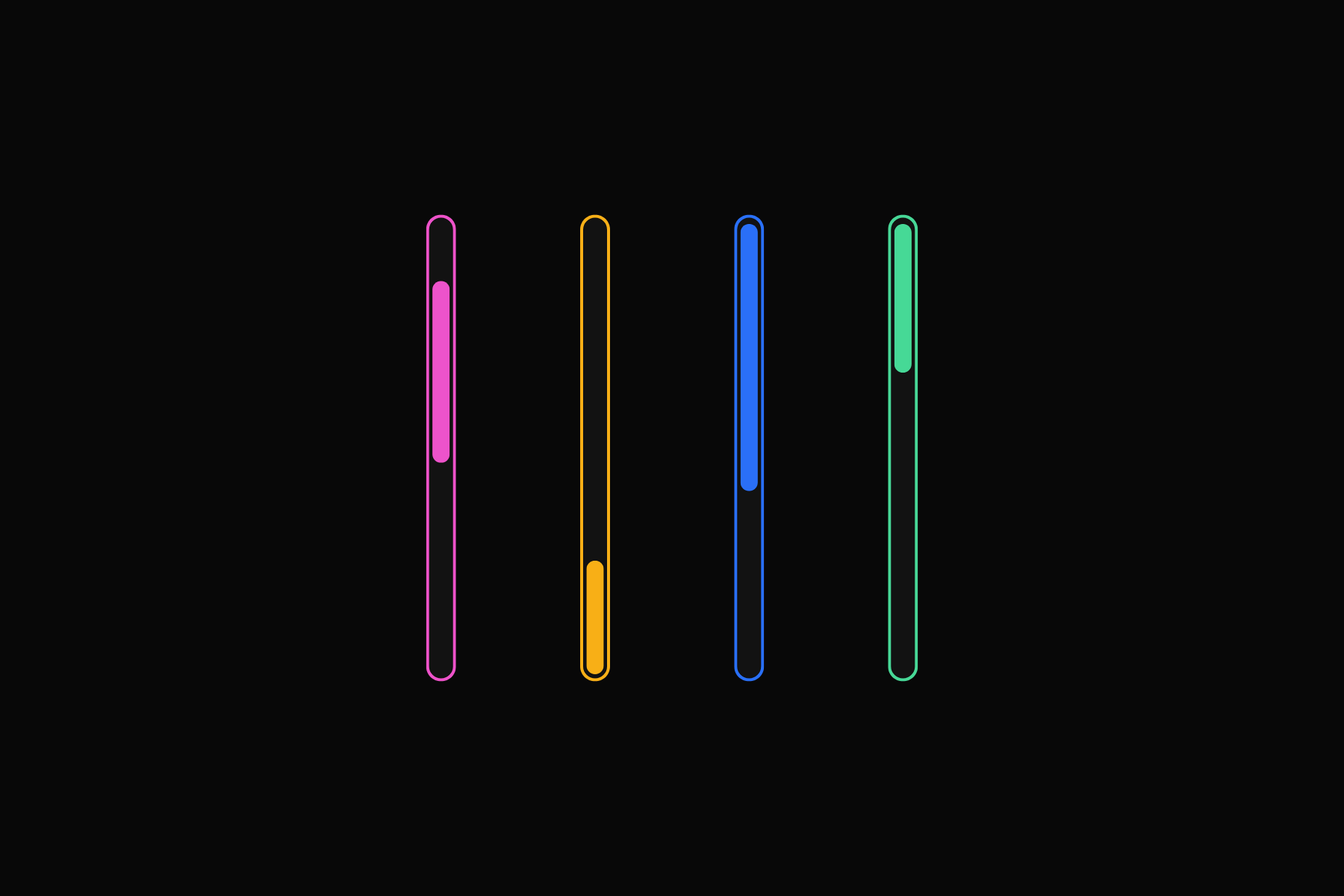
This snippet styles browser scrollbars using WebKit selectors. You control size, colors, borders, and hover states. The result keeps scrollbars consistent with your UI and improves visual clarity.
The styling applies only to WebKit based browsers such as Chrome, Edge, and Safari. Browsers like Firefox ignore these rules and keep the native scrollbar style.
Setup
Add External Scripts
Copy & paste the scripts before the </body> tag of your project. If you added them before for another setup, skip this step.
Add HTML
Place the code in an HTML widget or add it through Elementor → Custom Code (before the closing </body> tag) either globally or only on selected pages.
Add Custom CSS
Paste the code through the page or site settings, or add it via Elementor → Custom Code (before </body>) for broader use.
/* Scrollbar size */
*::-webkit-scrollbar {
  width: 10px;
  height: 10px;
}

/* Track */
*::-webkit-scrollbar-track {
  background: none;
}

/* Thumb */
*::-webkit-scrollbar-thumb {
  background: #5368FF;
  border-radius: 10px;
  transition: background 0.2s ease;
}

/* Thumb hover */
*::-webkit-scrollbar-thumb:hover {
  background: #F77BE7;
}Add Custom Javascript
Paste the script through Elementor → Custom Code (set to load after </body>) for site-wide or page-specific loading.
Add Custom PHP
Place the PHP snippet in your theme’s functions.php file or add it using a code snippets plugin to enable the logic.
Publish and preview live
Some solutions only work on the live site. Always publish and test after each change, as results may not appear in the editor.
Scrollbar size
This setting controls the thickness of the scrollbar.
widthdefines the size of the vertical scrollbar.heightdefines the size of the horizontal scrollbar.
*::-webkit-scrollbar {
  width: 10px;
  height: 10px;
}
Scrollbar Track
The track is the background rail that the scrollbar thumb moves along.
backgroundsets the color of the track.
*::-webkit-scrollbar-track {
  background: #141414;
}
Scrollbar Thumb
The thumb is the draggable part of the scrollbar.
backgroundsets the main color of the thumb.border-radiusrounds the edges of the thumb.transitionadds a smooth animation when the thumb color changes during interaction.
*::-webkit-scrollbar-thumb {
  background: #5368FF;
  border-radius: 10px;
  transition: background 0.2s ease;
}
Thumb Hover State
This changes the thumb color when a user hovers over it for clearer interaction feedback.
*::-webkit-scrollbar-thumb:hover {
  background: #F77BE7;
}