








Info
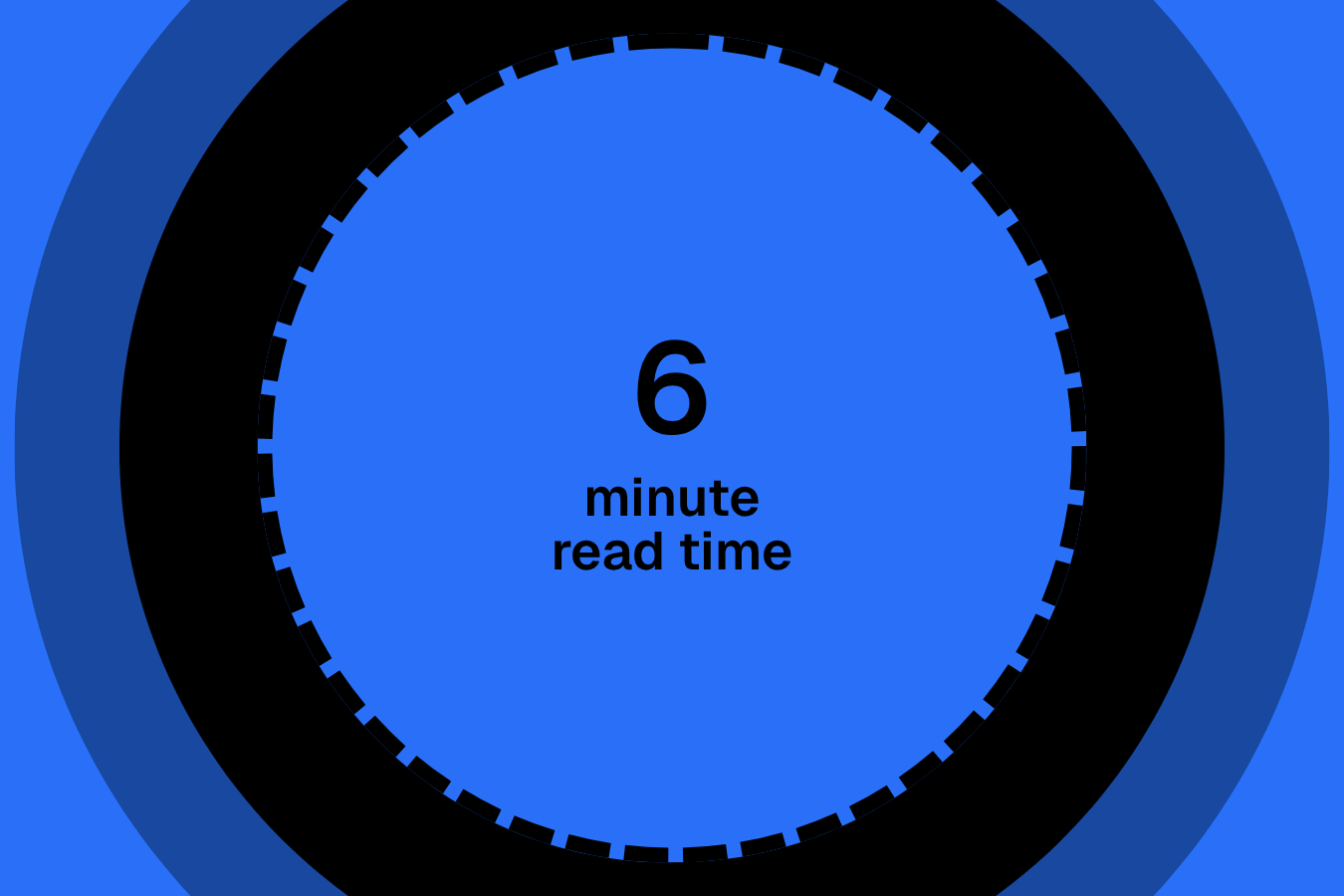
Calculates the total word count from a custom post field and outputs the estimated reading time. It can be used to display “X min read” for CPT entries, articles, or any dynamic content stored in text or WYSIWYG fields.
Setup
Add Custom Javascript
Paste the script through Elementor → Custom Code and set it to load after the closing body tag.
document.addEventListener("DOMContentLoaded", () => {
  if (document.body.classList.contains("elementor-editor-active")) return;

  const element = "data-readtime-element";
  const instance = "data-readtime-instance";
  const wordsPerMinute = 245;

  const groups = {};

  document.querySelectorAll(`[${element}="content"]`).forEach(el => {
    const key = el.getAttribute(instance) || "default";
    groups[key] ||= [];
    groups[key].push(el);
  });

  Object.entries(groups).forEach(([key, elements]) => {
    const totalWords = elements.reduce((total, el) => {
      const text = (el.innerText || "").trim();
      if (!text) return total;

      const words = (text.match(/[\w\d’'-]+/gi) || []).length;
      return total + words;
    }, 0);

    const countEl =
      document.querySelector(`[${element}="count"][${instance}="${key}"]`) ||
      (key === "default" ? document.querySelector(`[${element}="count"]`) : null);

    if (!countEl || !totalWords) return;

    countEl.textContent = Math.max(1, Math.ceil(totalWords / wordsPerMinute));
  });
});Publish and preview live
Some solutions only work on the live site. Always publish and test after each change, as results may not appear in the editor.
Content Source
Add data-readtime-element="content" to any element that contains text you want included in the reading time. The script scans all matching elements, extracts the visible text, splits it into words, and calculates the total word count. If multiple elements share the same instance value, their word counts are combined into a single total.
Display Reading Time
Add data-readtime-element="count" to the text element where the reading time should appear. Once the total word count is calculated, the script divides it by an average reading speed (245 words per minute), rounds it up to the nearest whole number, and outputs the result. You can adjust the WPM by editing the line below.
const wordsPerMinute = 245;Using Instances
There are two simple ways to create multiple instances of this solution on the same page, depending on how your layout is structured.
Method 1: Define an instance on each element
Best for when an instance's elements are spread across different sections or containers.
- Select each element using this solution's attributes.
- Add
data-readtime-instance="VALUE"to each, with a matching value to group them.
Method 2: Define an instance on a shared wrapper
Best for when all the elements of an instance live inside the same parent wrapper.
- Select a parent wrapper that contains all the elements of an instance.
- Add
data-readtime-instance="VALUE"to it, with a unique value. - Repeat for every instance.