




Type to search… it’s not that hard.
Bummer… nothing matched that.


Info
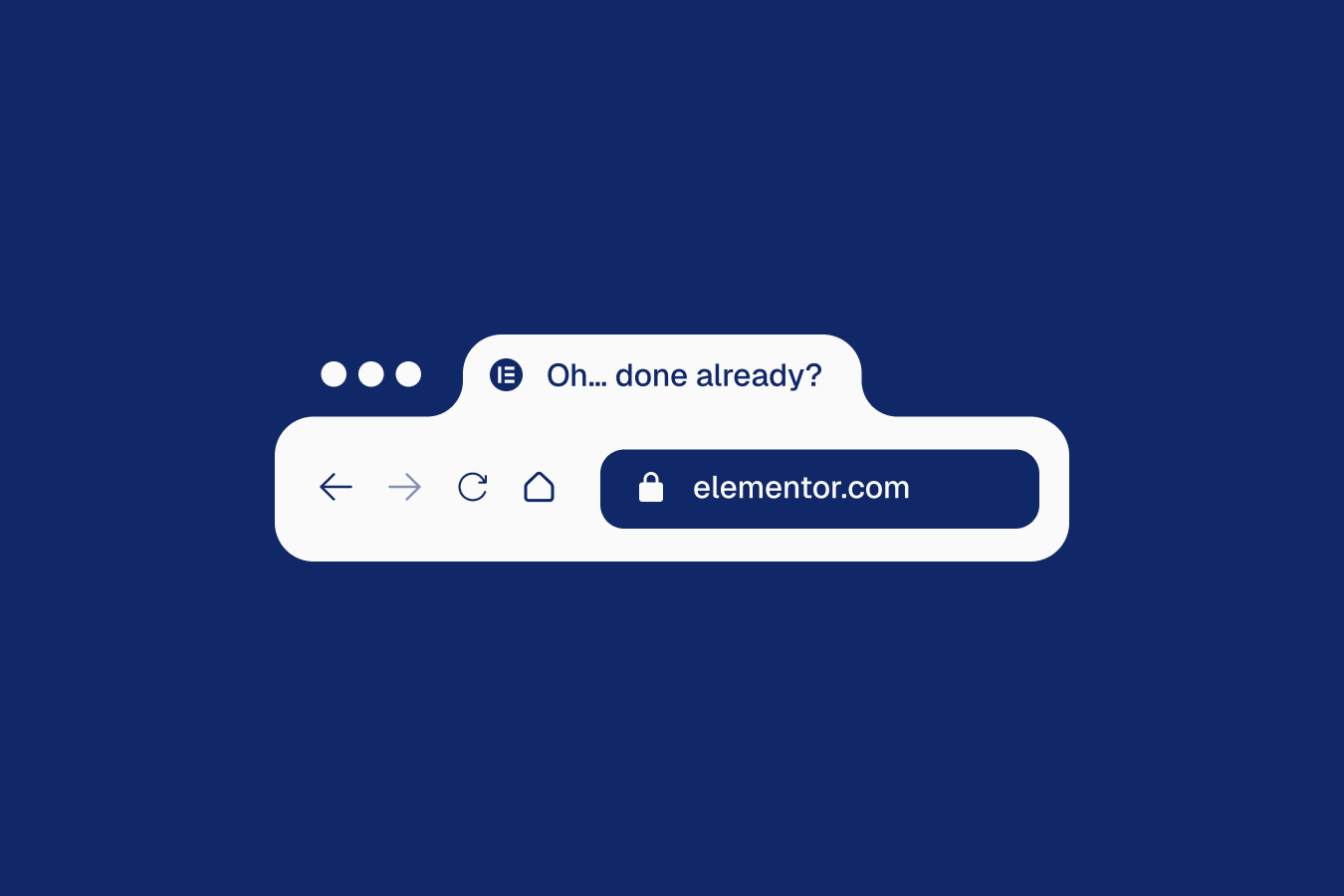
The script changes the browser tab title when visitors leave the page, then switches it back when they return, adding a fun little nudge to grab attention.
Setup
00
Add Custom Javascript
Paste the script through Elementor → Custom Code and set it to load after the closing body tag.
(function () {
  const originaltitle = document.title;
  const awaymessage = "👀 Oh… so we’re done?"; // title to show when tab is inactive

  function handlevisibility() {
    document.title = document.hidden ? awaymessage : originaltitle;
  }

  document.addEventListener("visibilitychange", handlevisibility);
})();
00
Publish and preview live
Some solutions only work on the live site. Always publish and test after each change, as results may not appear in the editor.
Customizing Message
Edit the awaymessage string to define the title shown when the user switches away. Keep the text short for clear visibility among multiple tabs.
const awaymessage = "👀 Oh… so we’re done?"; // title to show when tab is inactive