






Type to search… it’s not that hard.
Bummer… nothing matched that.


Info
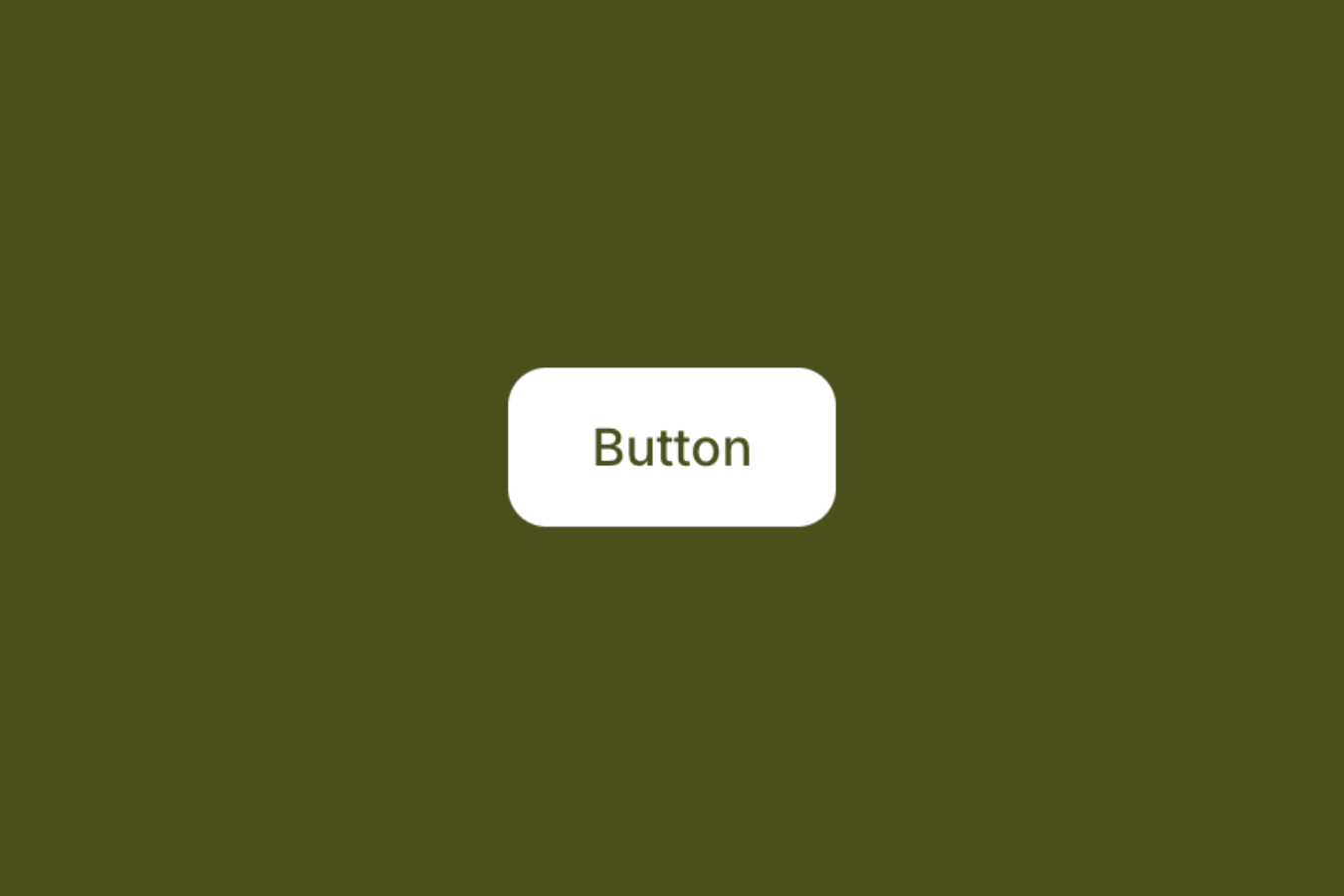
A curved background shape animates upward on hover, covering the button to create a smooth fill effect.
Setup
00
Copy structure to Elementor
Right-click in Elementor, choose “Paste from another site,” and while the popup is open, press cmd/ctrl + v to insert the layout.
Copy To Elementor
Download JSON Template
Important
- Use Elementor 3.11 or above.
- Before copying, make sure all required widgets and features are active, including Elementor Pro widgets, Editor v4, and Flexbox Containers.
- Safari may block clipboard access, so Chrome or Firefox is recommended for smoothest copy/paste experience.
- If copy/paste fails, clear cache/cookies and disable any plugins or browser extensions that may interfere.
00
Add Custom CSS
Paste the code through the page or site settings, or add it via Elementor → Custom Code before body tag.
/* hover state */
@media (hover: hover) and (pointer: fine) and (prefers-reduced-motion: no-preference) {
  [data-oura-button-01="button"]:hover [data-oura-button-01="fill"] {
    transform: translateY(0);
    border-radius: 0;
  }
}
00
Publish and preview live
Some solutions only work on the live site. Always publish and test after each change, as results may not appear in the editor.